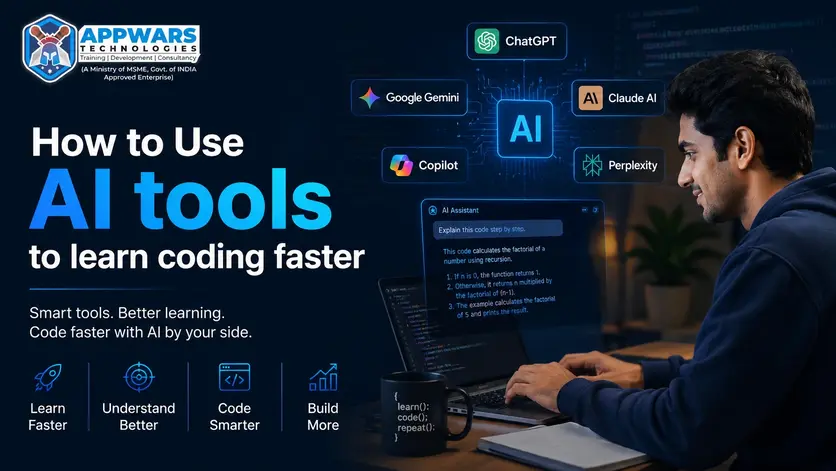
Learning to code used to mean spending hours watching YouTube videos, reading dense documentation, and Googling the same error message 12 times. That’s still an option. But students who are using AI tools to learn coding are moving at a completely different pace.
This is about using AI as a study partner, a debugger, and a teacher who never gets tired of your questions. And the students who figure this out early? They’re lapping everyone else.
Here’s what you actually need to know.
Why AI changes how beginners learn to code
The biggest problem with learning programming has always been the feedback loop. You write something, it breaks, and you have no idea why. Then you’re stuck for 45 minutes on a missing semicolon or a misplaced bracket.
AI for learning programming closes that loop in seconds. You paste your broken code, describe what you expected to happen, and get a clear explanation of what went wrong. No waiting for a mentor. No digging through Stack Overflow threads from 2014.
Beginner coding with AI tools also means you can ask the questions you’re embarrassed to ask a real person. “What does this line even do?” is a perfectly valid question. AI answers it without making you feel dumb.
The other thing people underestimate: AI is available at 2 AM when you’re finally in the zone and hit a wall. That alone changes how much ground you can cover in a week.
The 5 best AI tools to learn coding
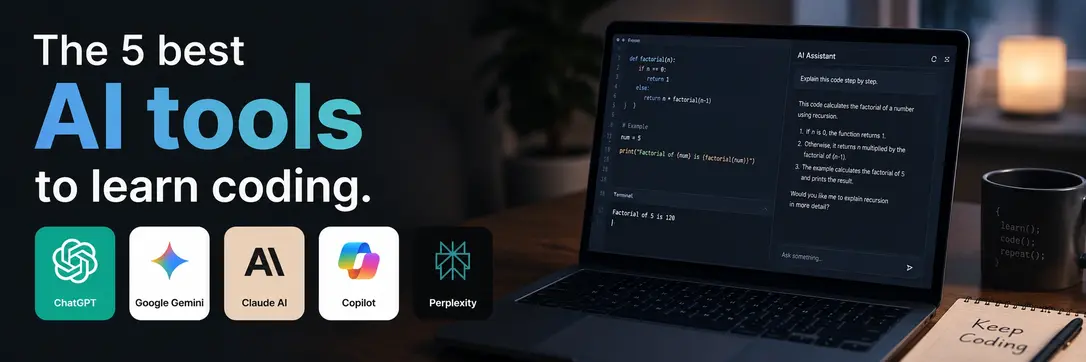
Let’s get specific. These are the tools actually worth your time as a student.
1. ChatGPT
ChatGPT is where most students start, and for good reason. The best way to learn coding with ChatGPT is to treat it like a senior developer who’s always on call and never loses patience.
Ask it to explain a concept in plain English. Ask it to walk through your code line by line. Ask it to give you a small project to practice what you just learned. It handles all of this well.
Where it really earns its place is in explaining the “why.” Most tutorials tell you what to type. ChatGPT tells you why that pattern exists, what problem it solves, and when you’d use something different. That context separates people who memorize syntax from people who actually understand programming.
One specific use: when you finish a small project, paste your code and ask, “How would a professional developer write this differently?” The gap between your version and the improved version is your next lesson.
Students who learn coding with ChatGPT regularly report that they pick up concepts faster because they can ask follow-up questions in plain language until something actually clicks. That back-and-forth is something no static tutorial can replicate.
It’s also one of the best AI tools to learn coding for absolute beginners because you can set the difficulty yourself. Tell it your experience level, and it adjusts. “I’ve been coding for 3 weeks; explain what a function is” gets you a very different answer than dropping that context.
If you want to build projects using Python or data work, pair ChatGPT practice with a structured Python course so you’re getting both the foundation and the AI-powered feedback loop at the same time.
2. Google Gemini
Learn coding with Gemini when you want something tightly connected to Google’s ecosystem and real-time information. Gemini pulls in current data, which matters when you’re learning something that’s actively evolving, like cloud technologies or modern JavaScript frameworks.
Gemini is particularly useful for students working toward cloud development. If you’re studying for certifications or working through an AWS course, Gemini can explain cloud architecture concepts, generate practice questions, and help you work through labs with up-to-date documentation references.
It also handles multimodal input well. Screenshot an error, paste it into Gemini, and ask what’s wrong. That alone saves real time when you’re debugging something visual.
For AI tools for developers working in the Google stack (Firebase, GCP, Android), Gemini is particularly sharp since it’s trained on Google’s own documentation and gets updated more frequently than static training sets. It’s also strong for students learning web development who want a second opinion on their code structure or want to understand how different frameworks compare.
One underrated use: ask Gemini to generate 10 practice problems on a topic you just learned, then work through them and paste your solutions back for feedback. That loop alone is worth more than passive video watching.
If you’re just starting out and wondering which AI to begin with, many beginners who learn coding with Gemini appreciate how it explains concepts with real examples pulled from current documentation, not outdated training data.
Get Free Demo Class ➔3. Claude AI
Learn coding with Claude when you want clear, structured explanations and a tool that genuinely follows complex instructions without drifting off-topic.
Claude handles long code files without losing context. Paste 200 lines of a React component and ask “why is this re-rendering on every keystroke?” and you get an actual diagnosis, not a generic answer about React rendering behavior.
It’s also genuinely good at teaching. Ask Claude to explain a concept, then ask it to quiz you. It generates questions, checks your answers, and explains what you got wrong in a way that sticks. For students working through a MERN stack course, this kind of interactive study session makes a real difference when you’re learning how Express, MongoDB, and React all fit together.
Claude is also one of the best AI coding assistant tools for code review. Paste your code and ask for feedback on readability, structure, and best practices. The explanations are detailed and patient, which matters when you’re still building your mental model of how good code actually looks.
Another strong use: paste any confusing piece of code and ask “explain this like I’ve been coding for 3 months.” Claude adjusts its explanation to your level without you having to fight for it.
Students who learn coding with Claude often use it specifically for code review sessions, something most beginners skip entirely but that separates average programmers from good ones.
4. GitHub Copilot
Copilot works inside your code editor, not in a chat window. That makes it different from every other tool on this list, and it’s one of the most practical AI coding assistant tools for students who are past the basics and actually writing code every day.
As you type, Copilot suggests completions. It fills in a function body from a comment, completes a loop you’ve started, or suggests the correct method name when you can’t remember it. How AI improves coding speed is most obvious with Copilot because it’s working in real time, inside your actual workflow.
The learning mechanism is subtle but real. When Copilot suggests something you don’t recognize, you look it up. Seeing unfamiliar patterns in context and then researching them builds vocabulary fast. Faster than most courses, honestly.
It’s also excellent for reducing the friction of boilerplate. Students working through a Data Science course will find Copilot useful for filling in data transformation functions, writing pandas operations, and handling the repetitive parts of analysis so they can focus on the actual logic.
One practical tip: write a comment describing exactly what you want a function to do, then let Copilot generate a suggestion. Read it carefully. If you understand it, great. If you don’t, that’s your next thing to learn. Using it this way turns Copilot into a code generation tool that teaches as much as it produces.
The broader point about how AI improves coding speed is this: it’s rarely one dramatic moment. It’s dozens of small moments where you didn’t have to stop, Google something, lose your focus, and restart. Copilot removes that friction at the editor level, which compounds over hours and weeks.
5. Perplexity AI
Perplexity is a search engine with AI built into the results. It’s the best AI tool for coding when you need something specific and current, and you want to verify where that answer came from.
Stack Overflow is great but slow. Regular search gives you 10 links to sort through. Perplexity gives you a synthesized answer with citations so you can verify the source and dig deeper if needed. That citation layer matters when you’re learning, because you can go read the actual documentation rather than just trusting a summary.
Use it when you’re stuck on a specific error message, trying to understand how a library works, or comparing two approaches to the same problem. It’s one of the most reliable AI tools to learn coding for research-style questions where you need accuracy over speed.
For students studying the Data Analytics Course or Java Course, Perplexity is the fastest way to find accurate, sourced answers about specific tools, libraries, and version-specific behavior without wading through outdated forum posts.
It’s also surprisingly good for learning coding concepts when you want multiple perspectives. Ask “what are the different ways to handle async operations in JavaScript?” and you get a well-structured comparison with sources you can actually explore.
Get Free Career Counseling ➔How to use these tools without cheating yourself
The risk with using AI tools to learn coding is obvious. You ask it to write the code, it writes the code, you copy it, and you learn nothing. A week later you can’t do anything independently.
Here’s what actually works instead.
Try the problem yourself first. Spend 15 to 20 minutes actually attempting it. Write the broken, ugly, wrong version. Then bring that to AI and ask what’s wrong and why. You’ll understand the answer much better because you’ve already wrestled with the problem.
Use AI to explain, not just produce. “Write me a function that sorts this array” teaches you nothing. “Here’s my attempt at a sorting function; what’s wrong with it, and how would you improve it?” teaches you a lot.
Ask for explanations at your level. “I’ve been learning JavaScript for 6 weeks, can you explain closures without assuming I know React?” That one line of context produces dramatically better explanations.
Use code generation tools as a reference, not a finish line. When Copilot or ChatGPT generates code you don’t fully understand, that’s your homework. Understand every line before you move on.
And one more: every few days, try to solve a problem without any AI help at all. That practice reveals exactly where your real gaps are. AI tools for developers work best when you’re strong enough to recognize a bad suggestion.
Building a study routine that actually works
Start each session by briefing your AI tool. “I’m learning Python; I understand loops and functions, and today I want to understand list comprehensions.” That context produces better explanations than cold questions every time.
When you finish a concept, ask for a small project that uses it. Something you can finish in one sitting that isolates what you just learned. Build it, break it, fix it with AI help. That cycle is how learning coding faster with AI actually works in practice.
Once a week, review code you wrote earlier and paste it into ChatGPT or Claude with the question, “What would you do differently here, and why?” That reflection loop is where the real growth happens.
AI for learning programming works best when you’re active. You’re coding with AI nearby, not watching AI code for you.
Beginner coding with AI tools can feel overwhelming at first because there are so many options and prompting strategies. Keep it simple: one tool per session, one concept at a time. Consistency beats optimization every time.
Explore Trending Courses ➔What AI tools won’t do
They won’t build your problem-solving instinct. That comes from sitting with hard problems. If you reach for AI the moment something gets hard, you’re slowing yourself down long-term.
They won’t replace structured learning. A course gives you a curriculum, a sequence, and a real foundation. AI fills in gaps and accelerates practice. Students who pair a Python course or MERN stack course with regular AI practice move faster than those doing either alone. Same goes for anyone working through a Data Analytics course or a Java course.
And they won’t catch every mistake in your thinking. Always ask, “Does this approach make sense for what I’m building?” A working solution isn’t always the right solution for where you are in your learning.
Final thought
The students moving fastest right now aren’t the ones with the most natural talent. They’re the ones using AI tools to learn coding strategically: asking better questions, using AI to close feedback loops, and doing the actual thinking themselves.
The best AI tool for coding is the one you actually use consistently and critically. Learn coding faster with AI by staying curious, staying skeptical, and building things even when it’s hard. The students who use these tools daily, even for 30 minutes, consistently outpace those who use them occasionally for big problems.
You’ll cover more ground in 3 months than most students cover in a year.